Top-rated computer repair, troubleshooting or upgrades pros.

Get matched with top computer repair, troubleshooting or upgrades pros in Media, PA

Enter your zip and get matched with up to 3 pros

Matching on HomeAdvisor

Share some details icon
Share some details about your home project.
Match with local pros icon
Within moments, match with highly-rated local pros.
Compare quotes icon
Compare quotes and choose the best pro for the job.

Find Computer repair, troubleshooting or upgrades pros in Media

Avatar for Mike's Computer Repair
Mike's Computer Repair
4.8(
767
)

Serving Media, PA and surrounding areas

Approved

In business since 1994

Free estimates

Warranties offered

"Mike was able to get the upgrade on to my computer and he also was able to determine that the system was grossly inadequate for what I wanted to do. He recommended what I should look for when I purchase a new one and when I do make a purchase I will be calling on him to get my system up to speed. I was most impressed with Mike’s professionalism and knowledge and I would definitely recommend him for any computer issues."
Response time1 day
Recommended by91%of homeowners
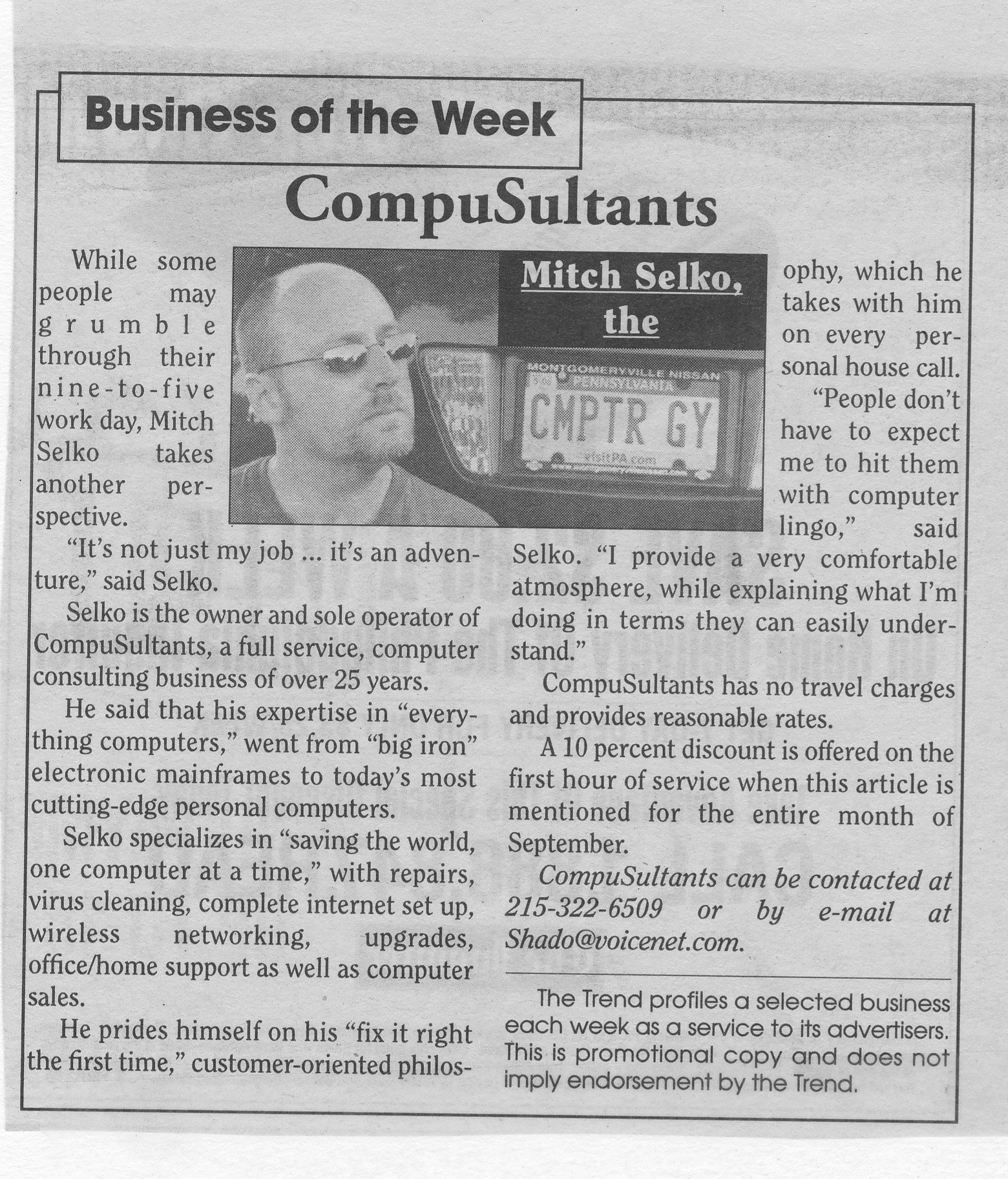
Avatar for CompuSultants, (Mitch The Computer Guy)
CompuSultants, (Mitch The Computer Guy)
4.9(
98
)

Serving Media, PA and surrounding areas

Approved

Super Service Award Winner

In business since 1993

Free estimates

Emergency services offered

"I had a blue screen repair message, and although not very complicated, required a little more technical knowledge than I had. Thankfully it was a fast, easy fix! In less than an hour, Mitch had the PC up and running. Extremely friendly, courteous and polite, and answered all my questions, both about the fix and also about upgrades and/or a new, faster unit. The in-home service alone is worth it! No more lugging a boxy tower to a store, just to have them hold it for days on end... Definitely my new go-to for any PC issues!"
Response time2 hrs
Recommended by94%of homeowners
Avatar for Tech Takodah
Tech Takodah
5.0(
27
)

Serving Media, PA and surrounding areas

Approved

In business since 2019

Free estimates

Emergency services offered

"Polite and very easy to work with. Goes above and beyond to deliver a quality end result. I had a custom computer than received some damage when I shipped it across the country. Takodah was able to identify the broken components and guided me towards replacement parts. I bought the new parts and he installed them. He also cleaned some dust internally which was really nice. My computer is running better than ever. The process was really easy and I was putting it off because I thought it would be a struggle."
WIFI Support
Data Backup
TechTakodah builds modern, responsive websites tailored to each client’s goals. From simple business sites to custom platforms, every website is designed for speed, clean design, and a smooth user experience.

With a focus on mobile optimization, performance, and reliability, TechTakodah helps businesses establish a strong online presence and turn visitors into customers.
Speed Up Computer
16 neighbors recently requested a quote
Recommended by81%of homeowners
Avatar for RipJoy Tech!
RipJoy Tech!
5.0(
11
)

Serving Media, PA and surrounding areas

Approved

In business since 2019

Free estimates

Credit card accepted

Over 30 years of tech support experience!\n\nTechnology woes? At RipJoy Tech!, we turn your technological frustration into worry-free jubilation! Our expert nerds are dedicated to making technology a source of joy rather than stress. Whether you're battling a stubborn software glitch, a mysterious hardware issue, or just need a hand setting up your new gadget, we've got you covered. With our friendly and patient support, you'll go from 'Oh no!' to 'Oh wow!' in no time. Let RipJoy Tech! be your tech happiness hub, where your devices work seamlessly, and your tech troubles disappear with a smile!

Apple
Samsung
1Password
Netgear
Linksys

+6

Response time7 hrs
3 neighbors recently requested a quote
Recommended by100%of homeowners
Avatar for Petro Computer Solutions
Petro Computer Solutions
5.0(
88
)

Serving Media, PA and surrounding areas

In business since 2001

Free estimates

Warranties offered

"Mike took my laptop and determined the hard drive was corrupted and was unable to recover any data. The hard drive was replaced with an SSD. Fortunately we use an on line back up service as well as backing up on an external hard drive so we were able to get our data back. We had Windows 10 on our old hard drive but there were startup/sleep issues with our model laptop. Mike recommended installing Windows 7 and we agreed. He updated Windows, installed common applications and initiated restoration of our files. Everything is working great!"
Recommended by100%of homeowners
Avatar for Alexander Technical Resources
Alexander Technical Resources
4.7(
1,889
)

Serving Media, PA and surrounding areas

In business since 2000

Free estimates

Emergency services offered

"Donna called me at the agreed upon time and we talked to find out the problems.  She immediately scanned the computer (she was on remote), saw the problems and proceeded to work through each one.  There were times when I was not on the computer with her while she worked. I am not a computer whiz so she explained what she was doing and why it needed to be done. She installed a virus checker so I would not get into the same fix again.  She was extremely patient! I was very pleased with the outcome and will use them again as well as tell others about my experience. <br /> I spoke with Spencer first who responded to my search for someone to repair my computer.  I had been the victim of a spam call.  I had called HP for computer support but the call was somehow rerouted to a hacker who proceeded to treat me with disrespect and was apparently installing malware as we spoke.  I finally hung up on him.  By this time I was mistrustful of anyone connected with computers.  Spencer put my mind at ease, helping me to believe I was at a good place.  Donna did the follow-up work the day after.   <br /> <br /> <br />"
Recommended by90%of homeowners
Avatar for My Computer Works
My Computer Works
4.6(
232
)

Serving Media, PA and surrounding areas

In business since 2005

Free estimates

Emergency services offered

"The problem was a BIOS message that said "press F1 to continue," but when I pressed F1, nothing happened. Sean arrived promptly at 12 noon on 11/21/2020, and began work immediately. By 2:00 Sean had removed RAM memory and reinstalled it, examined and changed certain jumper settings, removed and reinserted a 2032 CMOS battery, and other things which I can't remember. He was considering removing the SSD drive, which hosts the Windows 10 operating system, saying the drive might not be properly seated. But I told him the computer had been working fine until just quite recently, which indicated that the SSD surely was installed properly, and that I would prefer that he not remove it. So he did not remove the SSD, but I don't think he appreciated my interfering. Sean indicated early on that he did not like customers watching him work. He was polite about this. Thinking he meant that my talking or making suggestions annoyed him, I stopped talking and just watched. But after an hour or so of my just watching, Sean made it clear, politely, that he would prefer to work alone. At that point I left the office and did not bother him for the next two hours. After about 2.5 hours, Sean said he had found the bootup problem. All that was wrong was that a keyboard lock key on my Microsoft keyboard had been accidentally set. (I never knew there was such a key before this.) Once this key was unset, the computer booted up, responded to the F1 key press normally, and then booted up to the BIOS. Sean updated my BIOS too, at my request. Sean seemed embarrassed that this work had taken so long, as if he believed he should have checked simple things first (like the keyboard); he said he would only charge me for two hours even though he had worked for three. Let me add that I suspected a keyboard was an issue myself. That is why I called the tech shop Sean works out of in Sacramento (I've misplaced their phone number) Saturday morning 11/21, and left a voice mail asking the tech person to bring an extra keyboard with him. Sean either never got this voice mail, or else he got it and ignored it. The keyboard issue was the last thing he looked at; arguably it should have been first. As I was about to sign the papers Sean gave me at around 3:00 pm, I said "First let me check that everything is working." It was then that I determined that the LED power light on my computer's power-on switch was no longer functioning. I explained this to Sean, pointing out that it was working before he arrived. But he dismissed this complaint rather abruptly and rudely, saying it was a trivial and minor issue, or something to that effect. He clearly didn't want to stick around another minute. I added that I didn't want to sign any papers until this problem, which Sean himself had caused when he tampered with jumper settings, had been restored to working order. "Fine," Sean said, gathering up the unsigned paperwork and heading for the door. I said, "It's OK. If you are tired now, you can come back tomorrow." "I'm not ever coming back," Sean replied, walking out the door. He was obviously angry when he left, and didn't want to discuss the matter any further. Except for watching Sean for the first hour, keeping quiet most of the time, I don't know what I did to make this MyComputerWorks computer technician so angry. Despite overlooking a simple solution to my problem at the outset, he still fixed the main problem, and I'm glad to pay My Computer Works for his two hours work. I had a $10 bill in my pants pocket and was all ready to give it to Sean as a tip, but he left in anger before I could give it to him. It truly is important that this power-on LED light up and stay on while the computer is running. My computer is very quiet, and after a time of non-use, the monitors go dark even though the computer is on and Windows 10 is running. So the only way to be sure this computer is on or off is to look at the LED power light on the power switch. If the LED is on, the computer is running; LED off means it has been shut down. With no lights of any kind, this is becomes a non-trivial matter. I believe it would not be difficult for a knowledgeable tech person to fix this. It's just a matter of getting the jumpers Sean changed set back to where they were before he arrived. However, Sean has said he won't ever come back here -- giving no reason. I am asking MyComputerWorks to send another tech to clean up after Sean, fixing the jumper problem that he caused, since Sean is no longer willing to come over here. I am also recommending Sean have more training in troubleshooting and an anger management class."
Recommended by89%of homeowners
...
Showing 1-10 of 511

The Media, PA homeowners’ guide to computer repair, troubleshooting or upgrade services

From average costs to expert advice, get all the answers you need to get your job done.

  • A repairman installing new hard disk drive in laptop

    HomeAdvisor's Computer Repair Cost Guide gives average prices to fix a desktop or laptop. Explore prices lists for common replacements like hard drives, keyboards, batteries, motherboards & more. Compare Windows vs. Mac repair costs.

  • computer network wiring being repaired by technician

    Follow this guide to suss out how much you’ll pay for a repair technician to come service your computer network, including your router, modem, or wiring.